Progress metrics
How to log your weight and measurements and track your progress
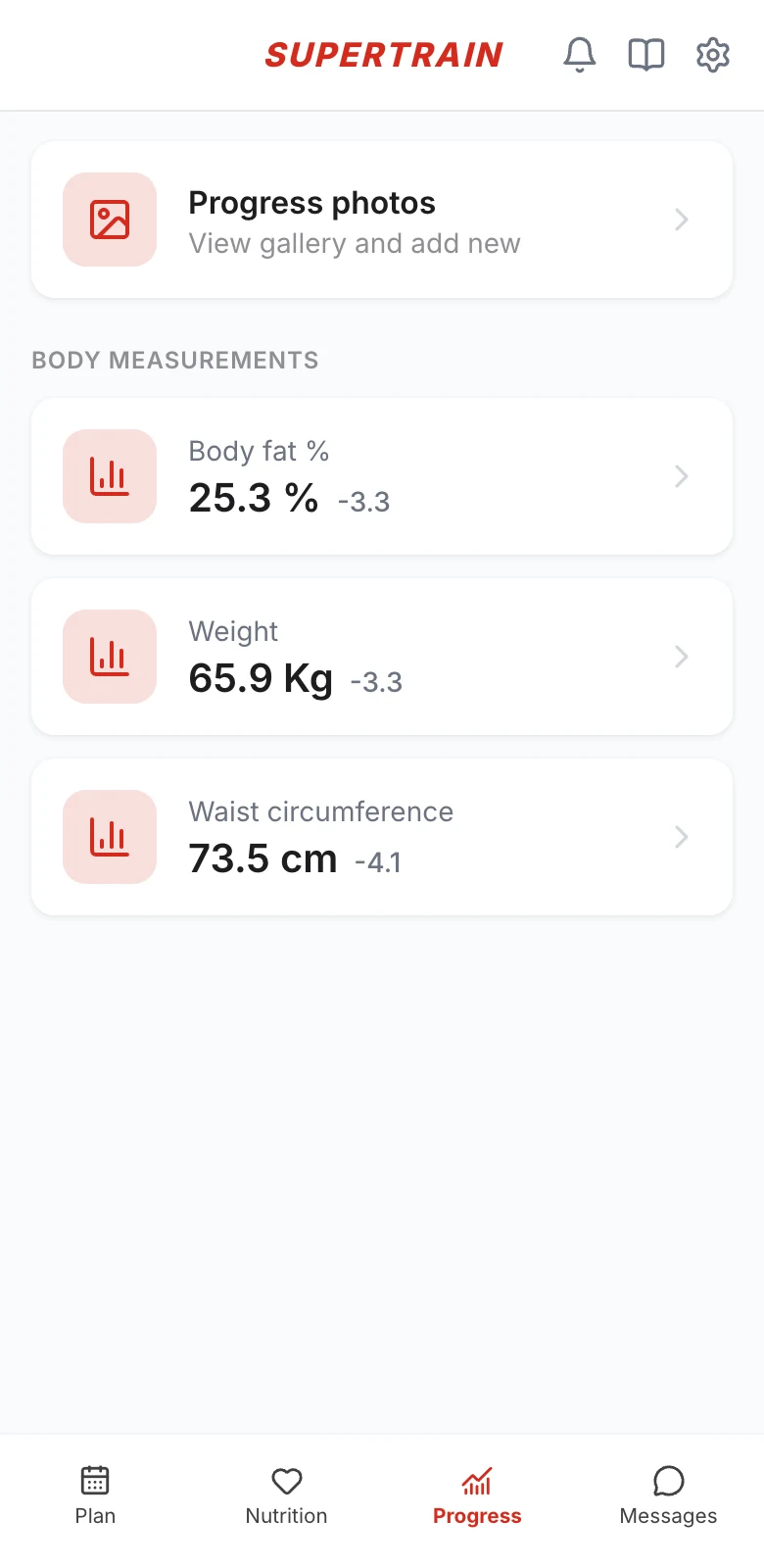
Tap Progress in the bottom menu. Below the photos you will see the metrics your coach has set up for you (weight, circumferences, body fat percentage…), each with its latest value and how much it has changed.
Adding a record
- Tap the metric, for example Weight
- Tap + at the top right
- Check the date (today by default) and enter the value
- Tap Add
Tracking your progress
Inside each metric you see a chart of your progress, which you can switch between the last 7 days, the last 3 months and the last year, and below it the history with all your records.
Logged a wrong value? Tap Delete on that record and add it again.
To make your progress reliable, always measure yourself under similar conditions: for example, your weight in the morning, on an empty stomach and before training.